

SenseAi
What SenseAi measures, what ships in the box, and what it needs to run.
SenseAi is a vibration and acoustic sensor that reports what a machine is doing without a PLC connection or an integration project. It magnet-mounts on or near the machine, reads the machine's own vibration and sound, and sends that stream to the IoTFlows cloud over Wi-Fi. It suits most industrial equipment.
Comparing devices before you buy? Overview: IoTFlows hardware puts SenseAi, SenseAi Embedded, BeamTracker, and the 4G/LTE router side by side.
What SenseAi measures
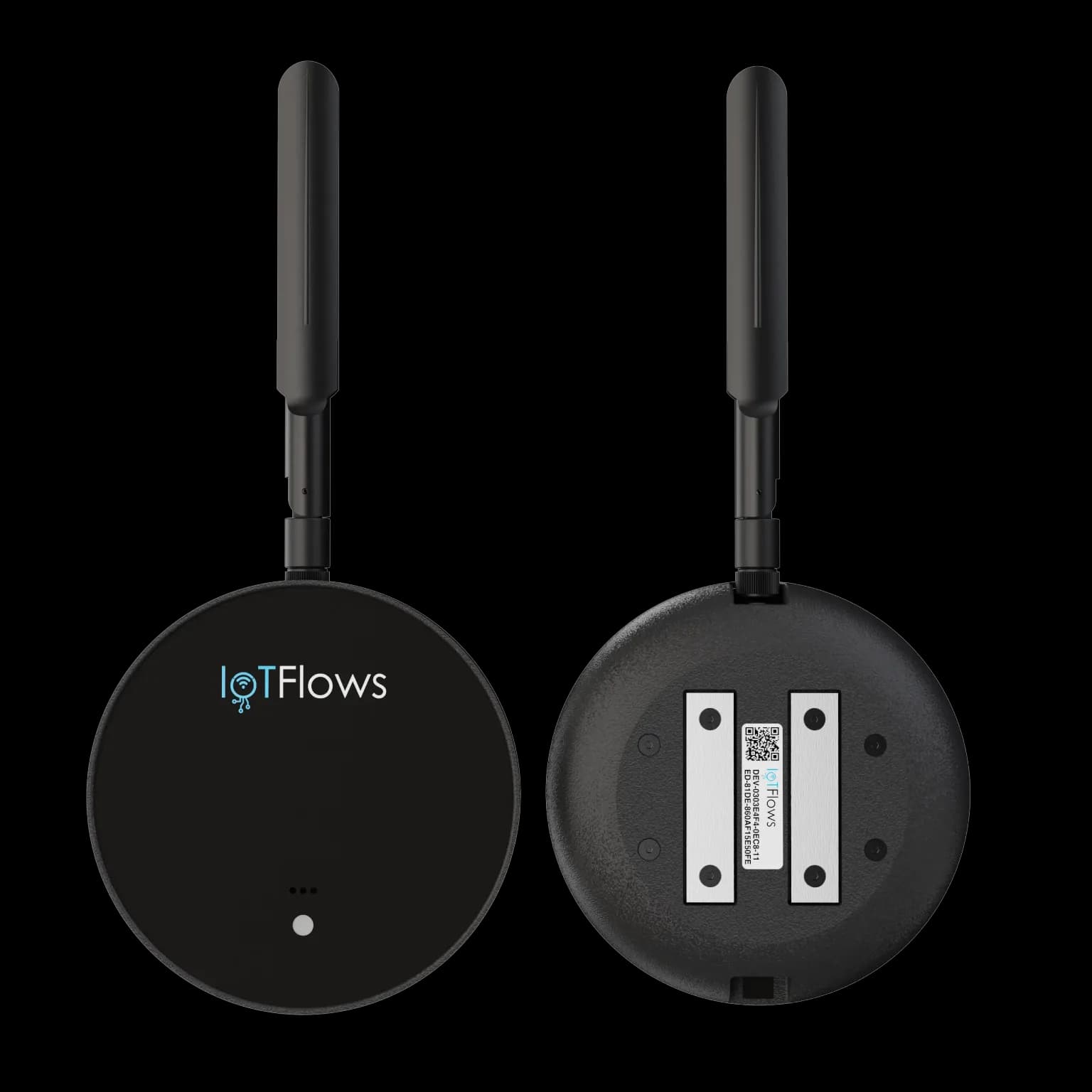 SenseAi, front and back: the screw-on antenna, and the magnetic strips on the mounting face that must sit flat against the machine.
SenseAi reads vibration and acoustics. It does not measure current. From that one stream, the cloud reports:
- Machine status in real time: running or down. There is no third state.
- Uptime, utilization, and production insights. Every figure is defined in how each metric is calculated.
- Root-cause downtime analysis, with operator notes on each stop.
- Historical performance by day, week, month, quarter, or year.
- Anomaly detection and shock severity.
- Machine health trends from vibration KPIs: mean, RMS, and standard deviation.
Data is encrypted in transit and at rest across the IoTFlows cloud.
Thresholds you set during calibration decide where running begins and ends, which is what makes the machine read as running or down. Part counts and cycle times are derived from the same trace by the algorithm you pick for that machine.
You do not need a second device to get part counts from a machine SenseAi is already on. Choose BeamTracker when you need to count units as they pass a point rather than derive counts from a machine's own cycle. Add both only when you need that count and vibration health on the same equipment.
Specifications
| Property | Value |
|---|---|
| Type | Vibration and acoustic intelligence sensor |
| Connectivity | Wi-Fi, 2.4 GHz only |
| Wi-Fi security | WPA2-PSK or WPA3 |
| Power | USB-C, 5 V, 500 mA minimum |
| Antenna | External, screw-on |
| Mounting | Magnetic base |
| Outbound traffic | HTTPS on port 443 |
In the box
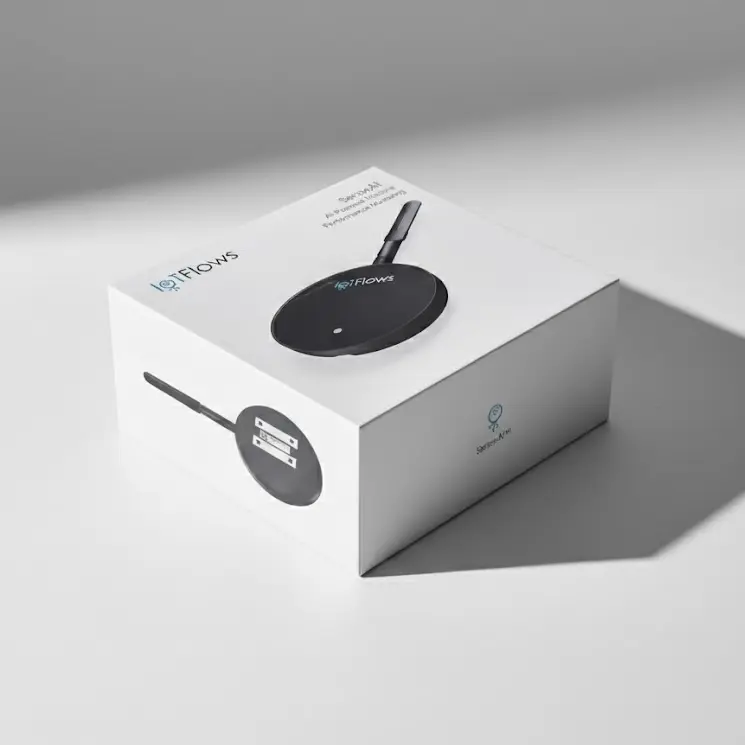 A SenseAi ships pre-configured. There is nothing to flash or wire before mounting.
| Item | Quantity | Notes |
|---|---|---|
| SenseAi device | 1 | Pre-configured; no on-site setup of the unit itself |
| External antenna | 1 | Connect it before powering the device on |
| USB cable | 1 | |
| Power adapter | 1 | Use it unless the machine has a spare USB port supplying at least 500 mA |
Requirements
| Requirement | Value |
|---|---|
| Account | An IoTFlows organization you can sign in to |
| Network | A 2.4 GHz Wi-Fi network, or an IoTFlows 4G/LTE router. 5 GHz is not supported |
| Phone | An iOS or Android device. Wi-Fi setup runs over Bluetooth from the mobile app, not from the web |
| Mounting surface | A flat, stable magnetic surface on or near the machine |
| Time | 15 to 30 minutes per device |
Choose the 4G/LTE router over facility Wi-Fi when IT will not put devices on the corporate network, when coverage on the floor is poor, or when you want the sensors isolated from factory systems.
Sensors are tied to an asset by IoTFlows during onboarding. If a sensor is not reporting against the right machine, contact support.
See also
The two ways to buy IoTFlows devices: the online shop, which applies tiered quantity discounts automatically at checkout, and the sales team, for a platform demo, custom requirements, larger orders, and corporate accounts spanning several organizations.
SenseAi Embedded runs the same application as SenseAi but reads vibration and temperature, with no acoustic channel, because its IP67 housing is sealed; the rating buys placement, letting it mount on the motor or spindle itself where reading at the source adds advanced health analytics, and it ships with an external antenna only, since the M12 power adapter and cable are ordered separately, and needs a 2.4 GHz Wi-Fi network or an IoTFlows 4G/LTE router.